

 India
India NRI
NRI
How to reset/change the password? Forgot Password Process-RING Mobile App
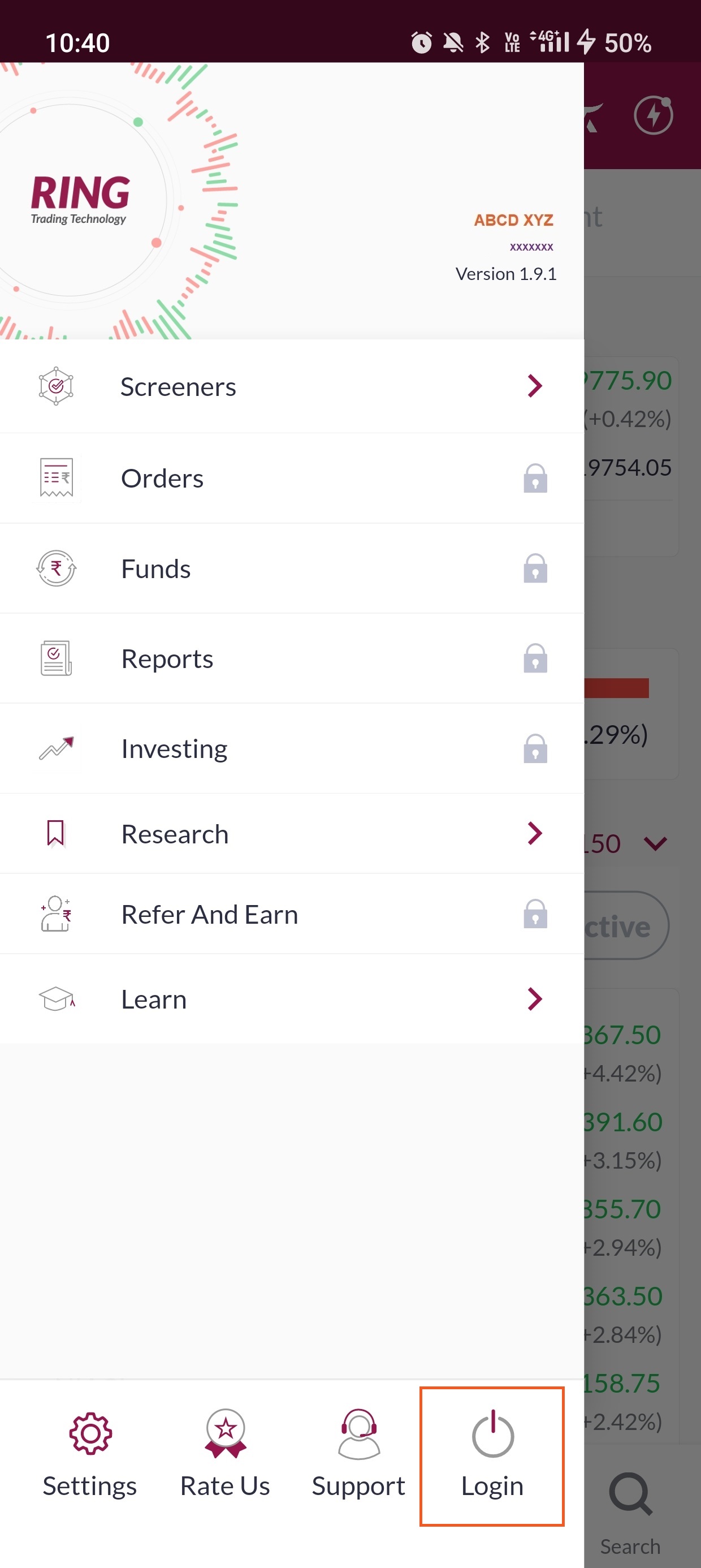
Step 1: Click on the 3 horizontal lines next to Dashboard in the top left corner of the screen.

Step 2: Click on ‘Login’ in the bottom right of the screen
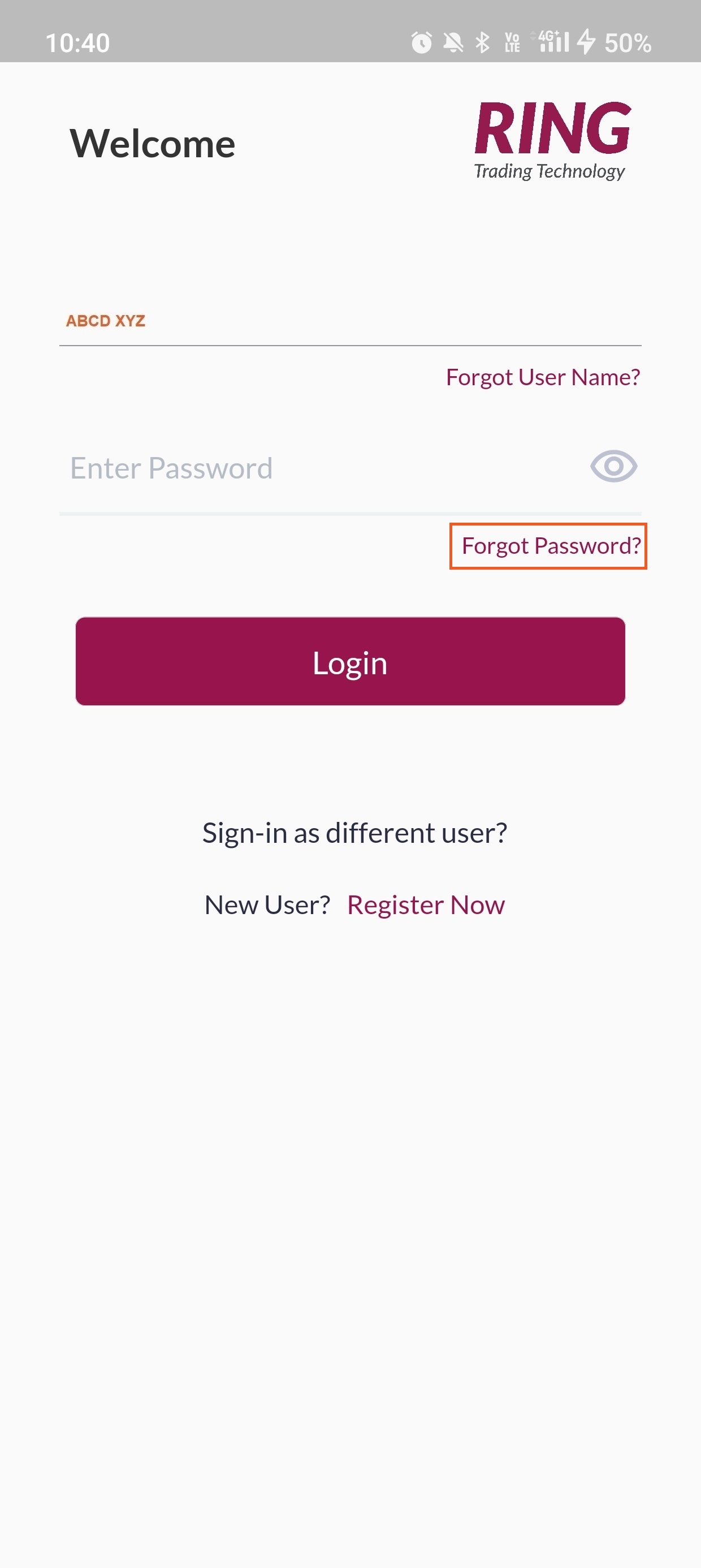
Step 3: Your username will auto populate on the screen click on ‘Forgot Password’ below the ‘Enter Password’ field to proceed
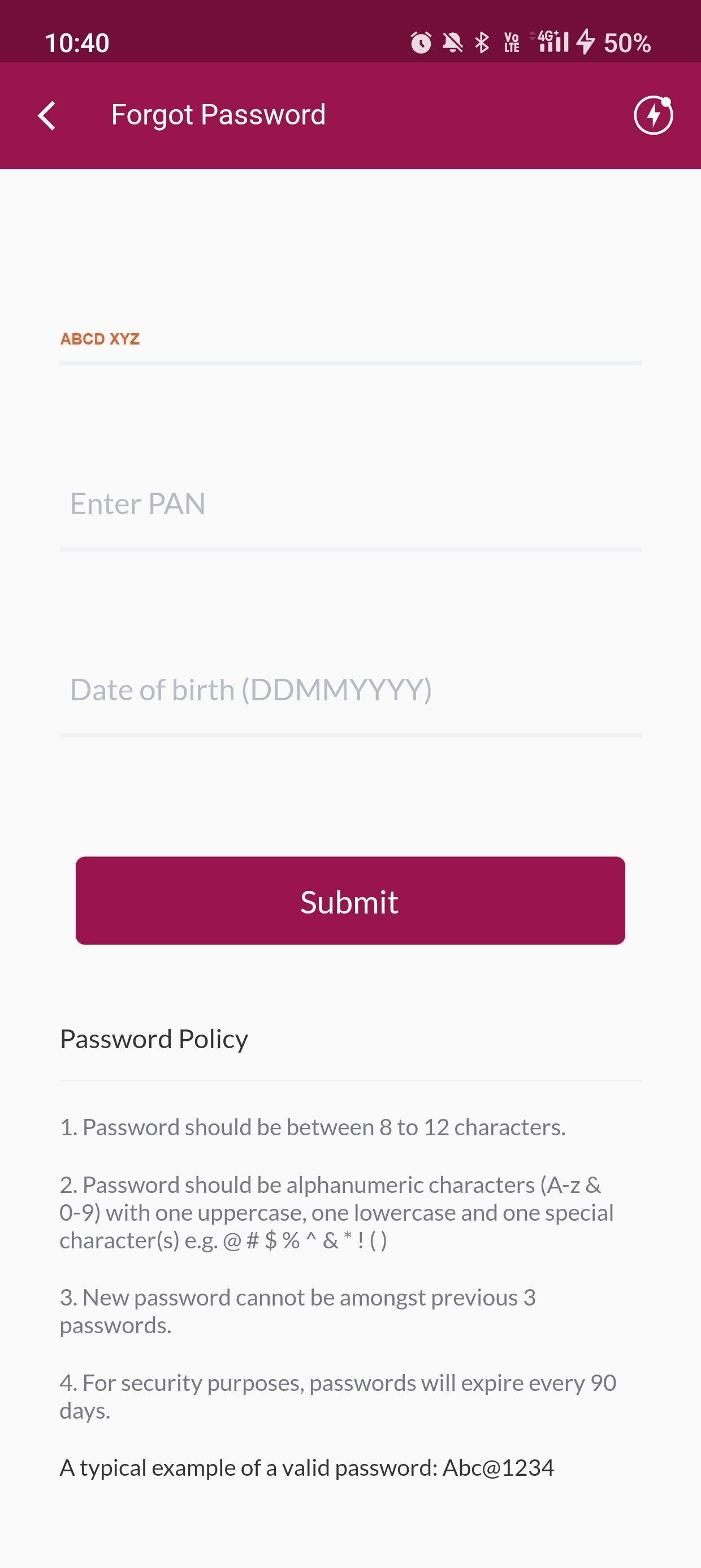
Step 4: Your username will be auto populated as in the previous screen, enter the ‘PAN’ and ‘DOB’ in DD/MM/YYYY format and then click on ‘Submit’
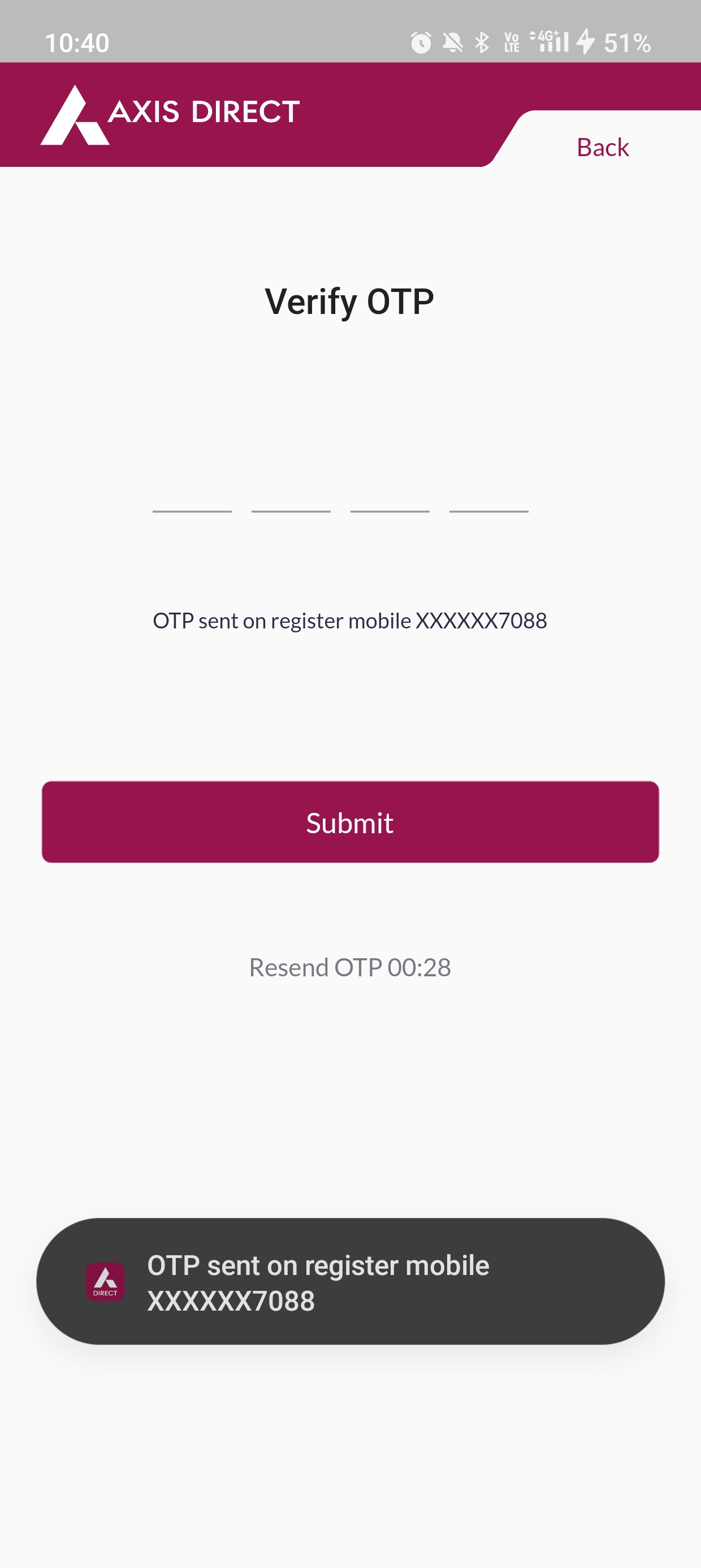
Step 5: A 4 digit OTP will be sent to your registered mobile number with us, please enter the OTP to proceed
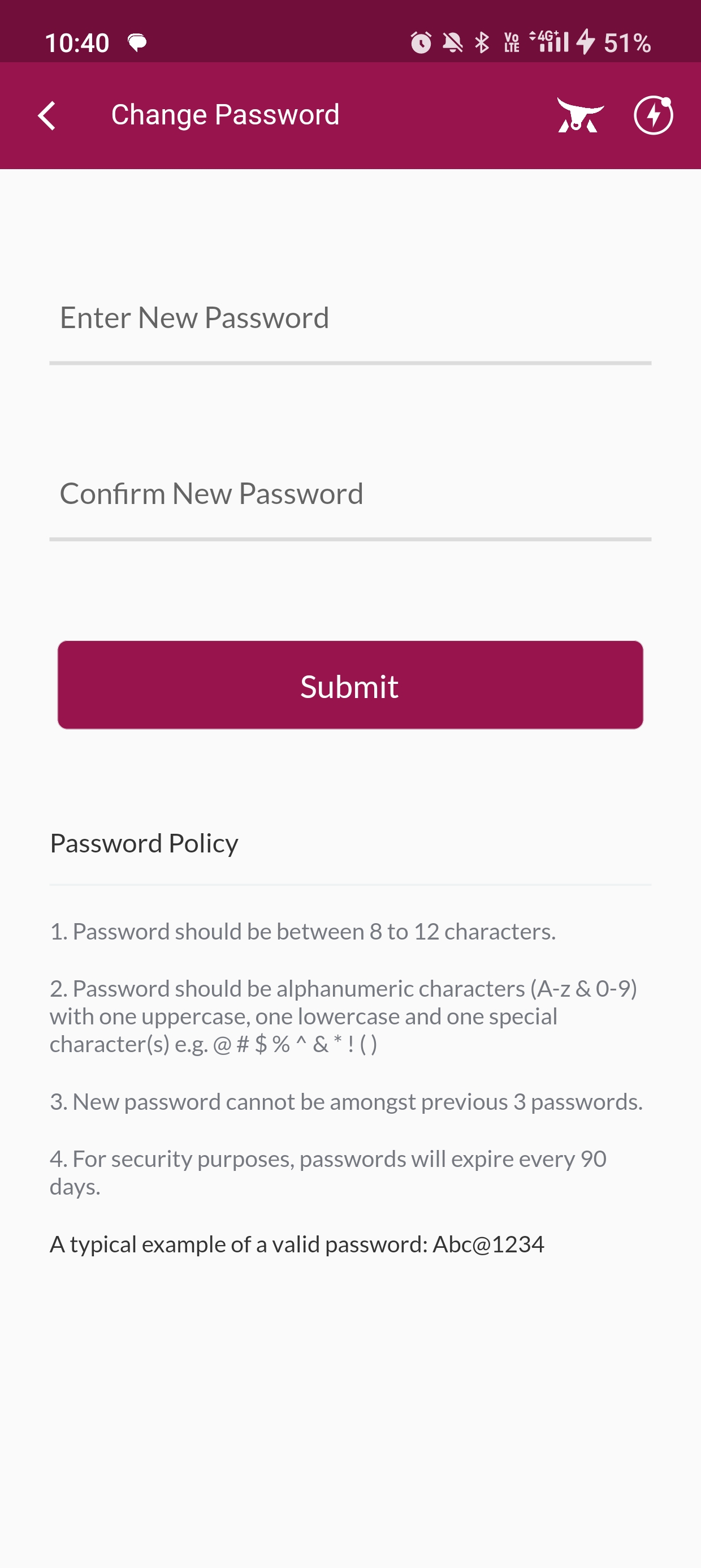
Step 6: Generate a password as per the guidelines stated in ‘Password Policy’ stated below and enter it twice then click on ‘Submit’
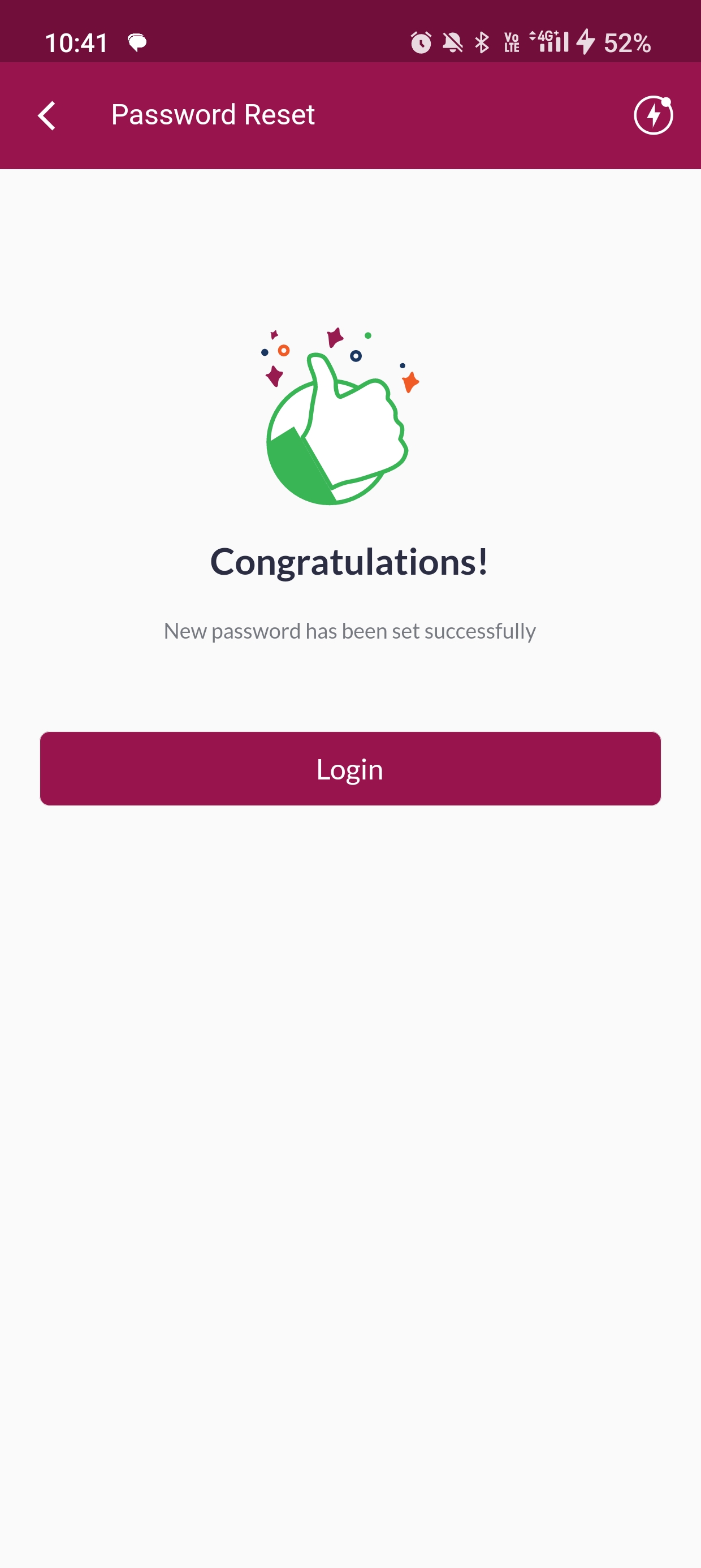
Step 7: Your password has been changed, click on ‘Login’ to login using the new password
END